


All articles
Thank you! Your submission has been received!
Themes
Oops! Something went wrong while submitting the form.
🚀 Updated Instagram Feed — Faster, Smarter, and Twice as Powerful
The Instagram Feed update adds 24 posts for public accounts and simpler hashtag setup while preserving existing widget settings.


1 min
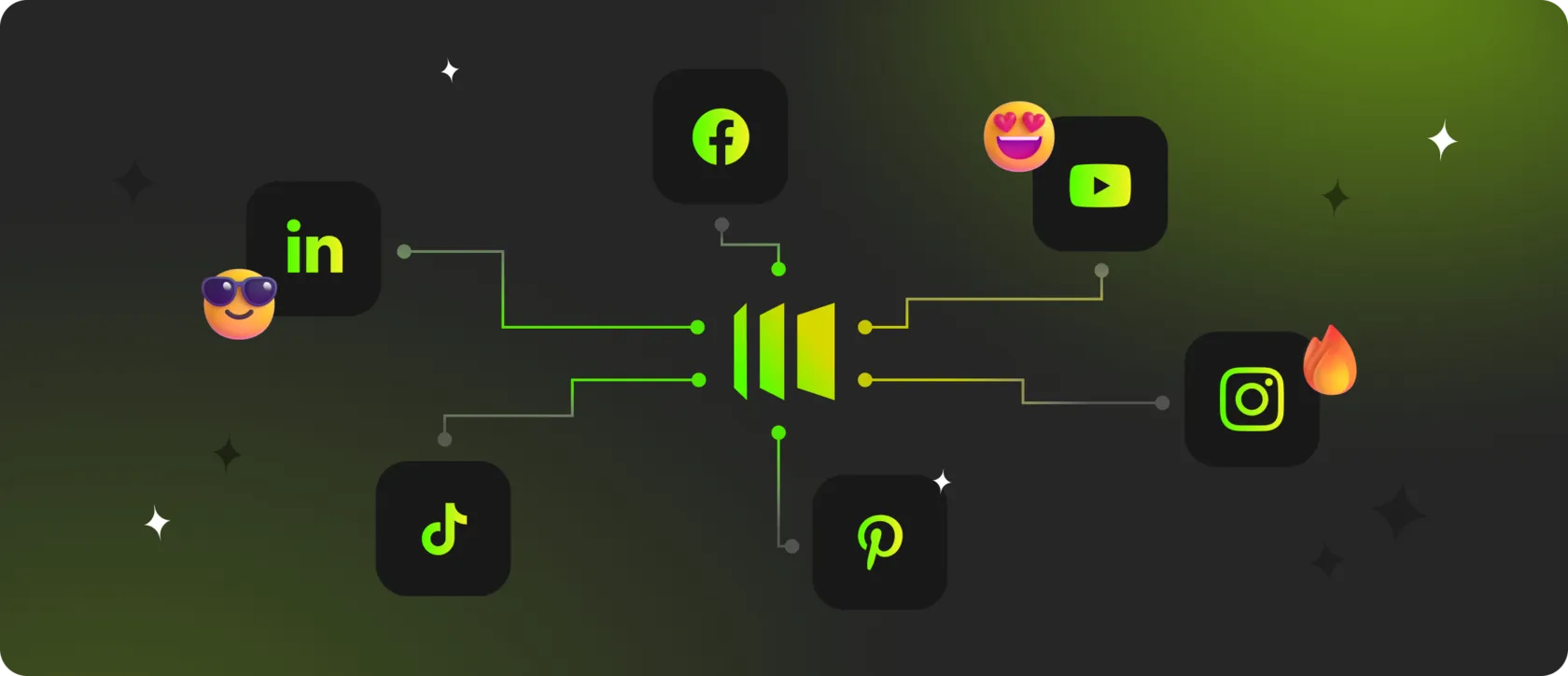
💻 Why Every Website Needs Social Media Integration — And How Mirror App Makes It Effortless
Learn where social feeds and user-generated content fit into your website and how to build a useful, regularly updated social section.

4 min
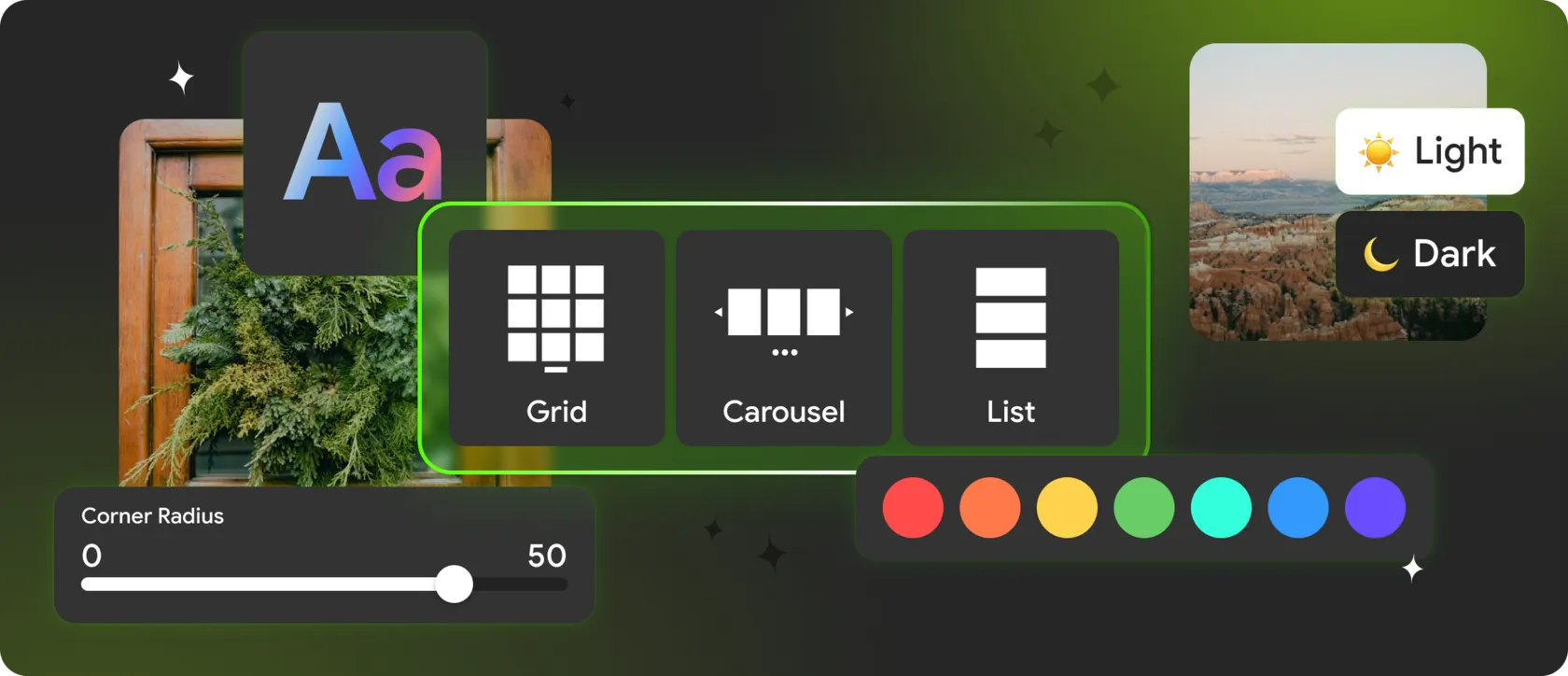
🎨 Advanced Instagram Feed Customization for Websites: How to Make It Part of Your Design, Not Just a Widget
Make your Instagram feed part of your design with tailored layouts, profile elements, interactions, CTA buttons, and mobile styling.

5 min
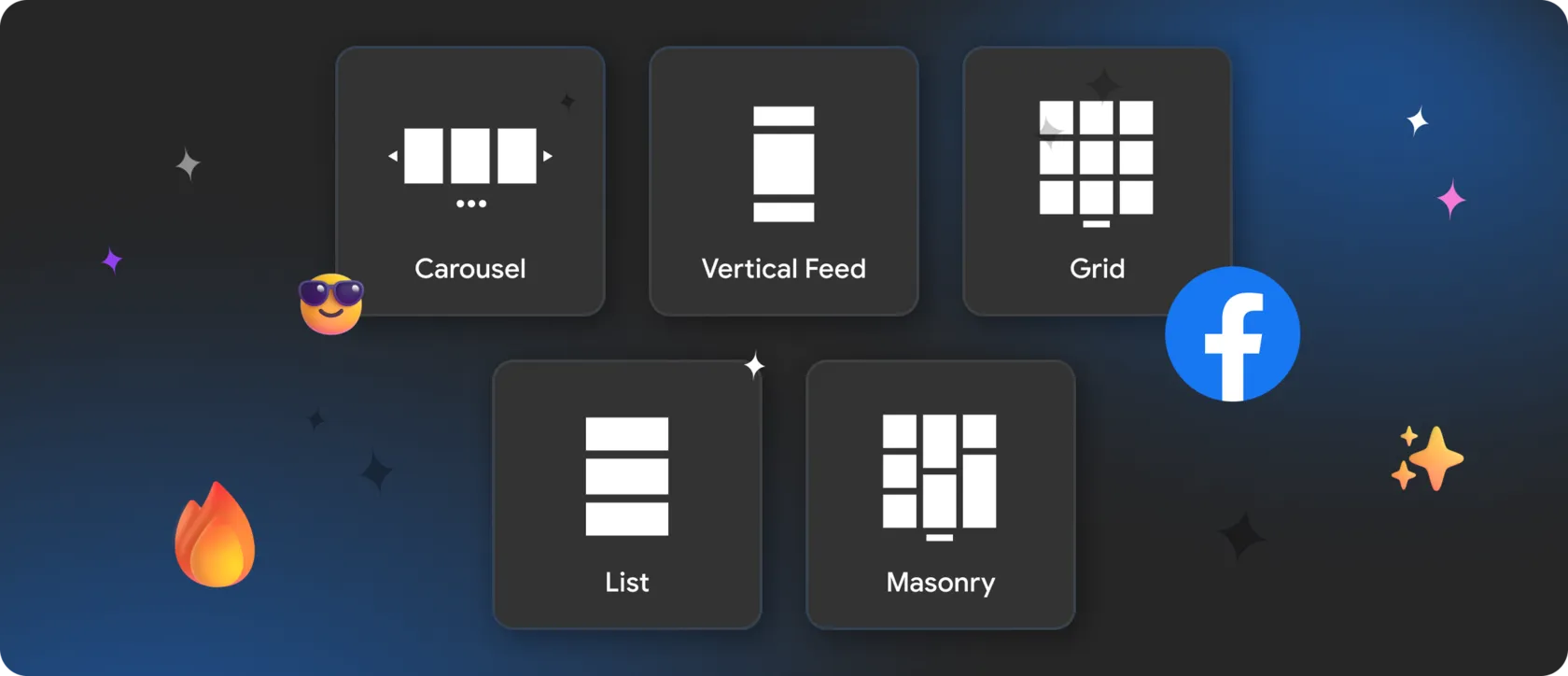
🏆 Top Facebook Feed Layout Styles for Modern Websites in 2025
Compare Facebook feed layouts and choose a format that suits your content, page structure, and the way visitors interact.
5 min
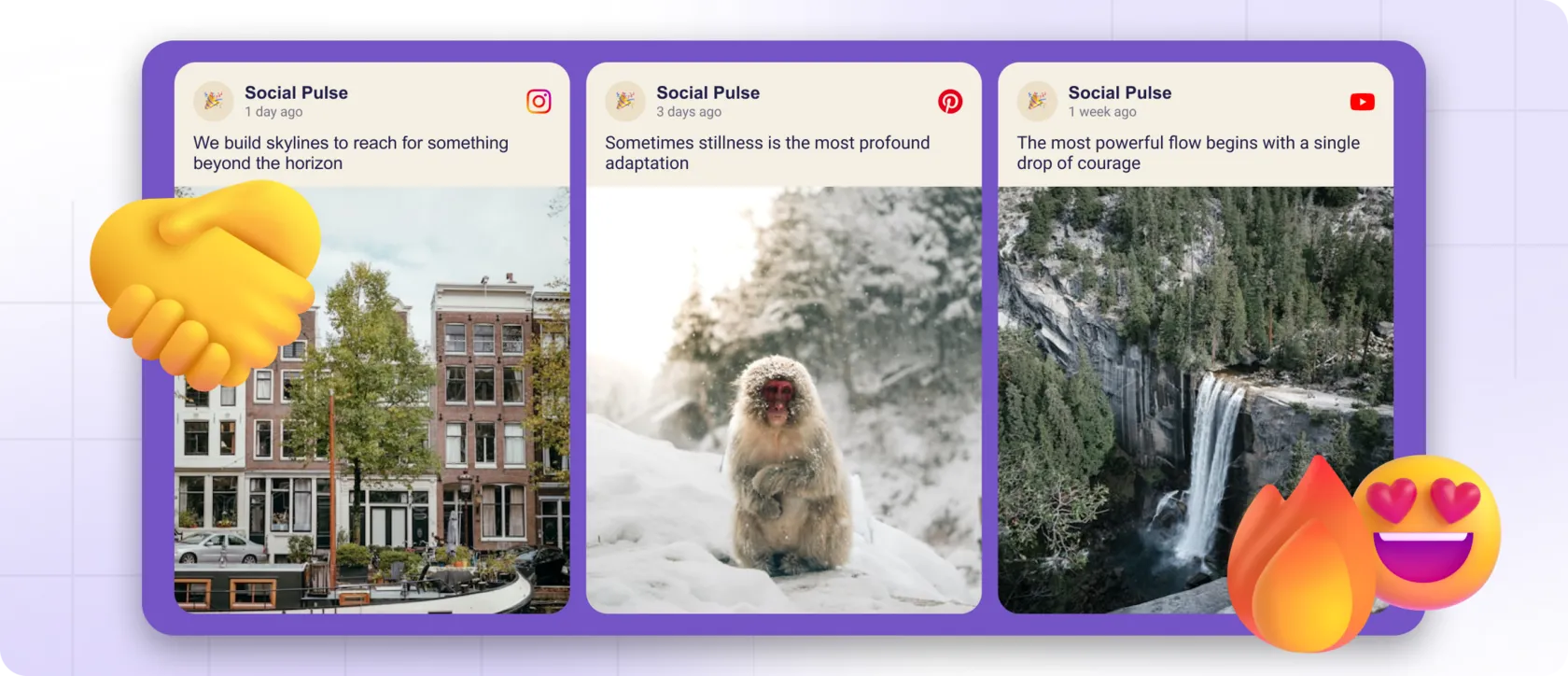
🤝 Why Websites with Live Social Content Feel More Trustworthy
Fresh social content helps visitors judge whether a brand is active and credible. Explore how to use those signals thoughtfully.
4 min
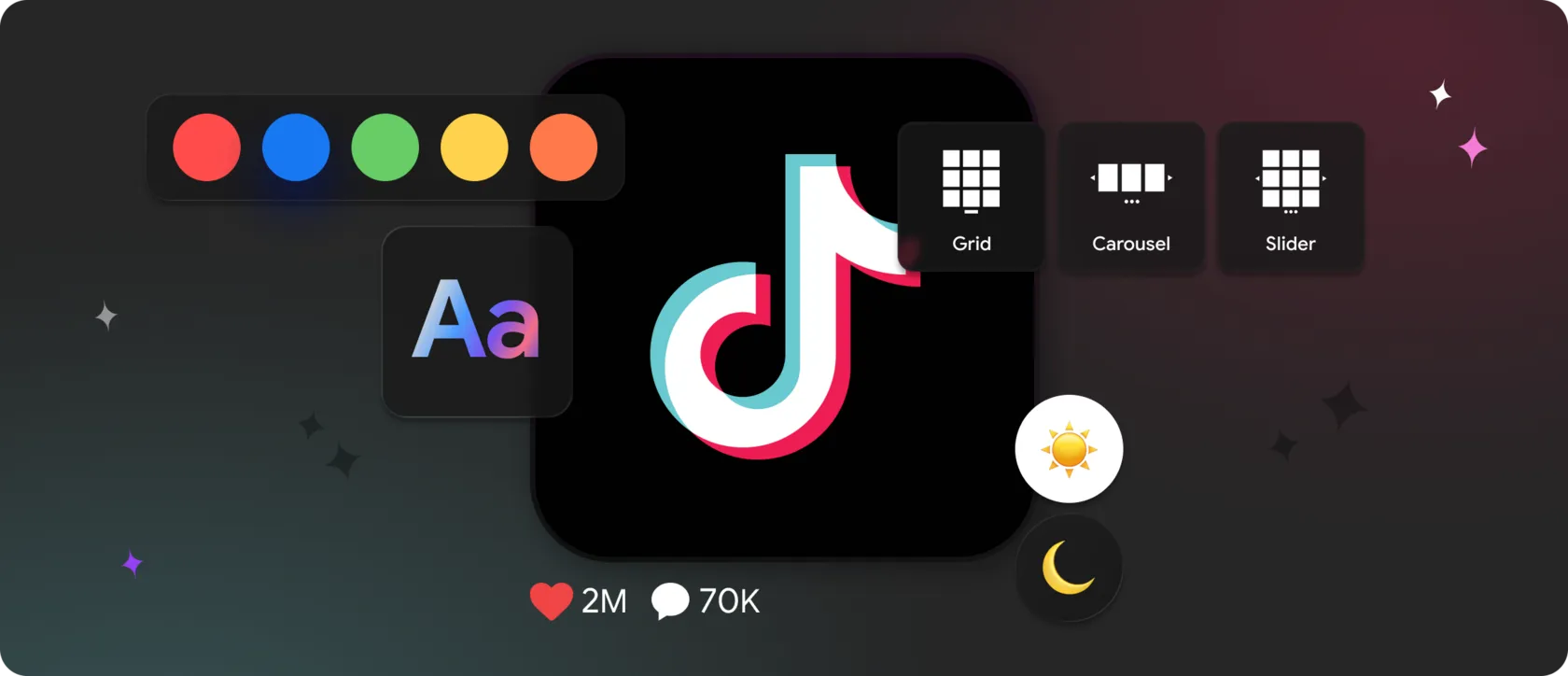
🎥 Creative Ways to Display a TikTok Feed on Your Website
Explore TikTok grids, carousels, and featured video sections, with ideas for placing short-form content naturally within your website.
4 min
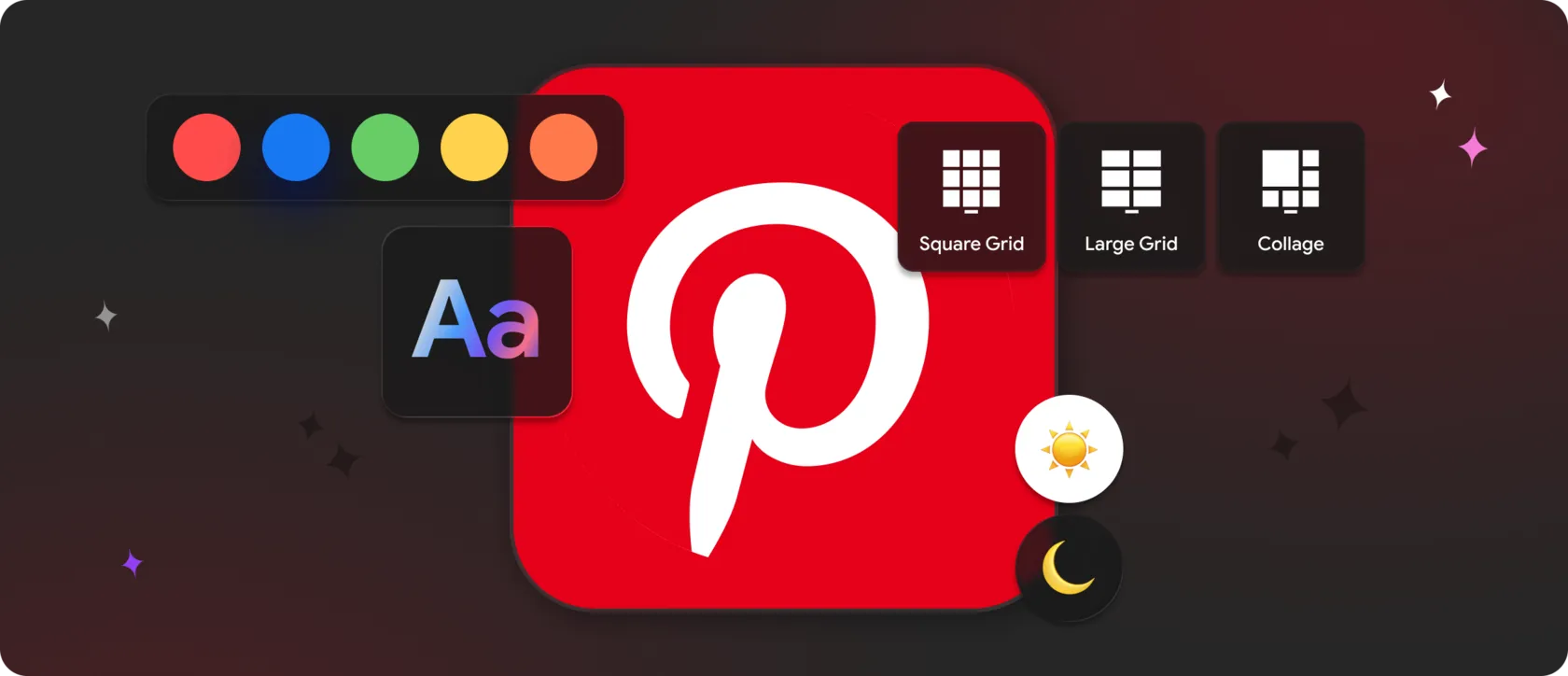
✨ How to Display a Pinterest Feed on Your Website
Bring Pinterest inspiration to your website. Explore feed formats, visual styling, placement, and ways to guide visitors through ideas.

7 min
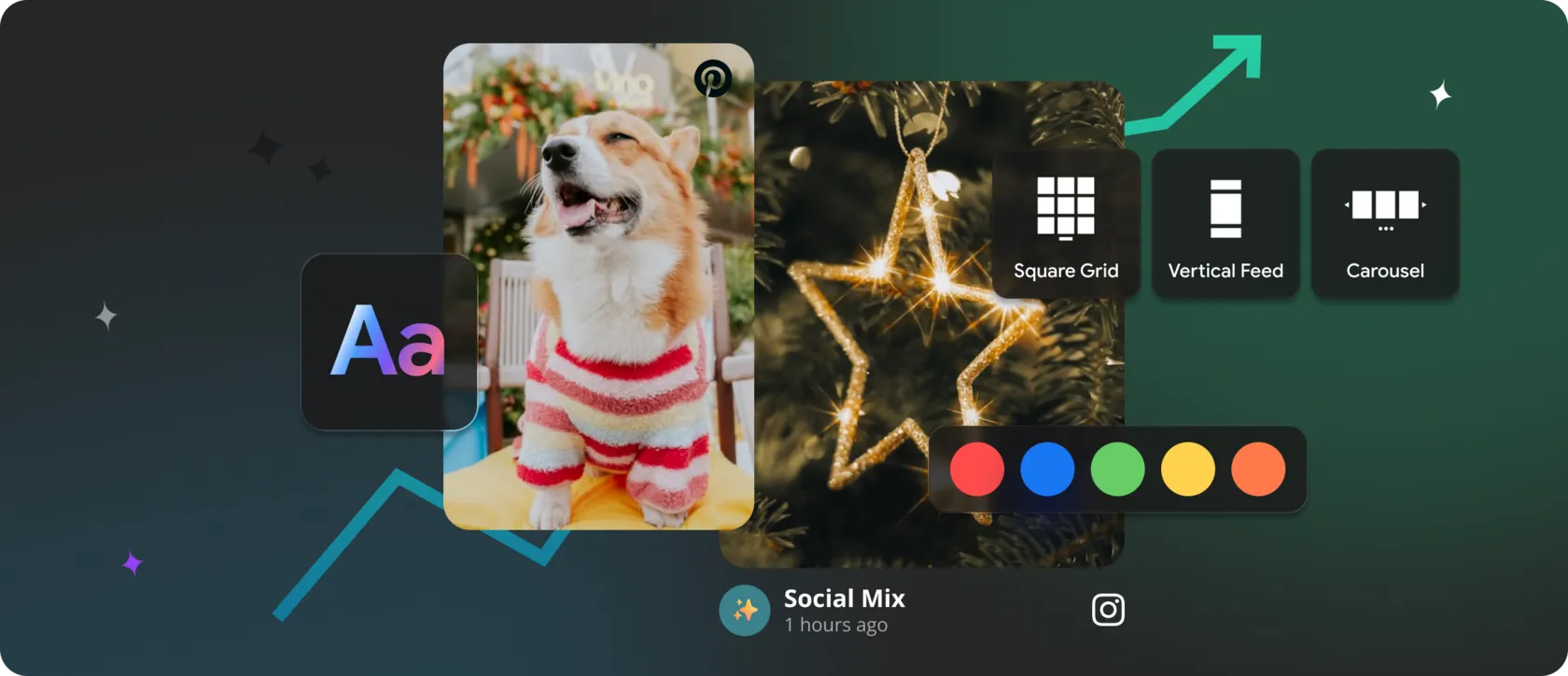
💚 Engage Visitors with Creative Social Media Widgets
Use grids, carousels, timelines, and featured posts to create social sections that invite exploration and fit the flow of your page.
4 min
⚡️ Show Instagram, TikTok, YouTube & Other Social Feeds on Your Website
Combine content from multiple social networks in a coherent website section, with layout choices and practical tips for a balanced feed.
5 min
📈 How to Increase Website Traffic with Multi-Platform Social Feeds
Explore how multi-platform feeds can support visitor retention, engagement, and trust, plus practical ways to make them fit your website.
4 min
💻 Enhance Your Website Design Using Social Media Widgets
Keep your website’s design feeling current with social widgets. Explore movement, mixed content, placement, and visual consistency.
5 min
🌐 Turn Social Media Posts into Website Content
Turn existing social posts into a reusable content layer for your website and reduce the manual work of keeping pages current.
5 min








Mirror App news, straight to your inbox.
















Language
Language