





Teilen
Teilen
Teilen
Teilen
Teilen
Teilen



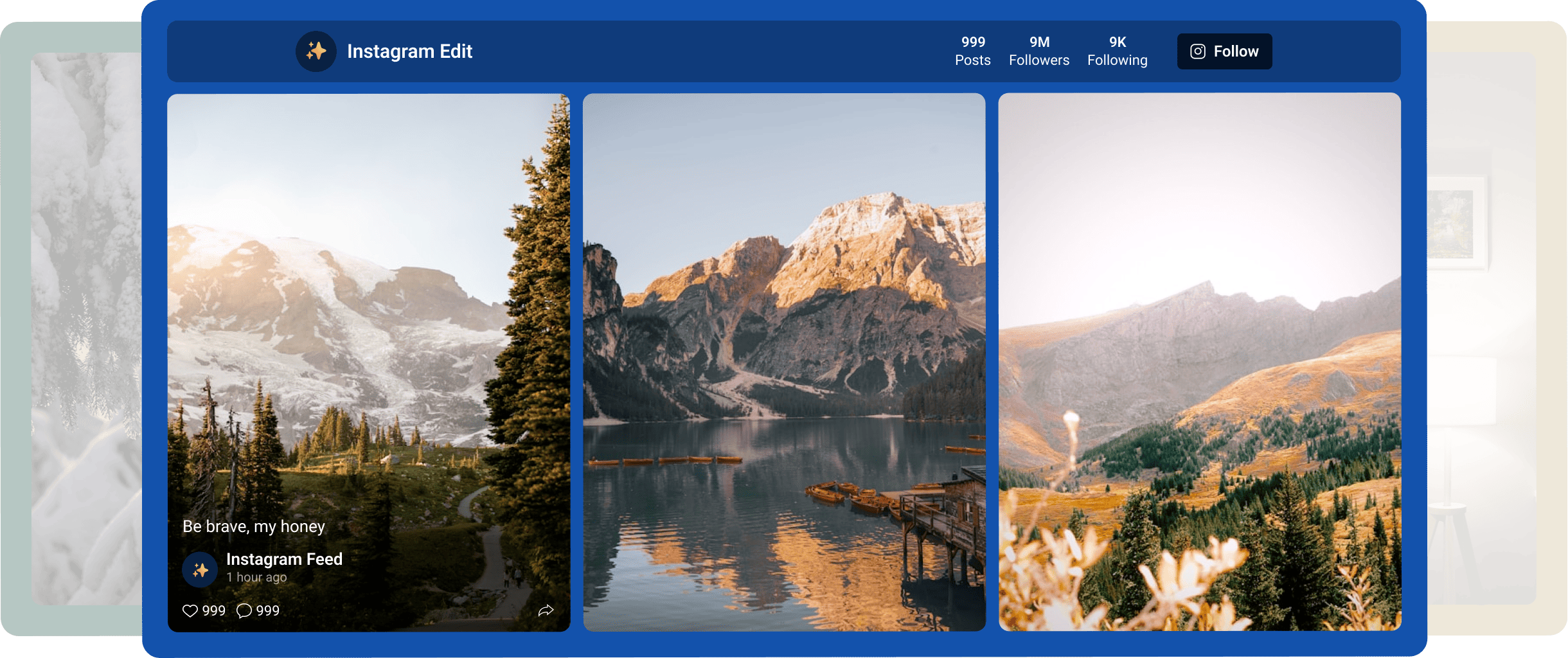
🪄 Mirror App Instagram Feed for WordPress is the easiest way to embed an Instagram feed on any WordPress site
Create stunning, fully responsive Instagram galleries in minutes — perfect for online stores 🛍️, blogs ✍️, portfolios 🖼️, and business websites 💼
✨Testen
with Instagram Feed
direkt hier✨
Keine Registrierung erforderlich
Konto erstellen und kostenlos starten
keine Kreditkarte erforderlich
WordPress-Plugin:
Schnelle 1-Minuten-Einrichtungsanleitung
Schritt 1
Plugin installieren
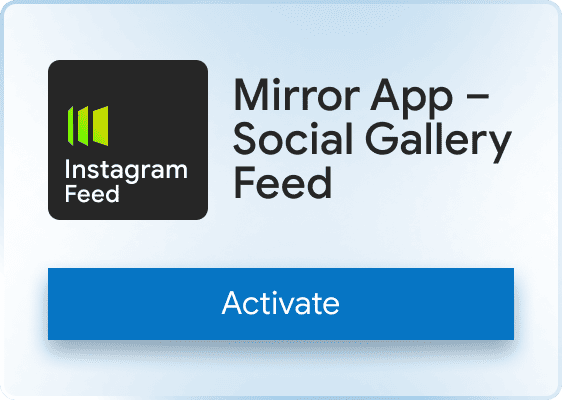
Go to WordPress → Plugins → Add New. Search for “Mirror App – Social Gallery Feed” → Install → Activate
Schritt 2
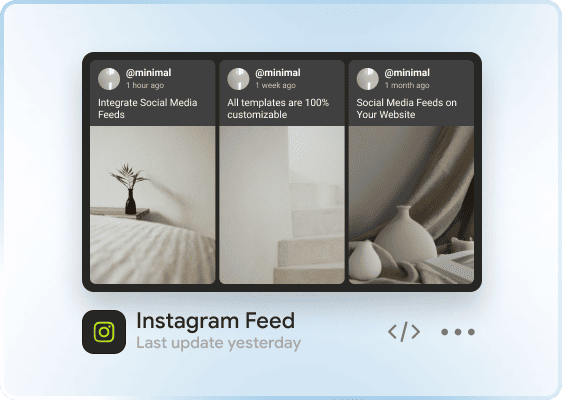
Widget in der Mirror-App erstellen
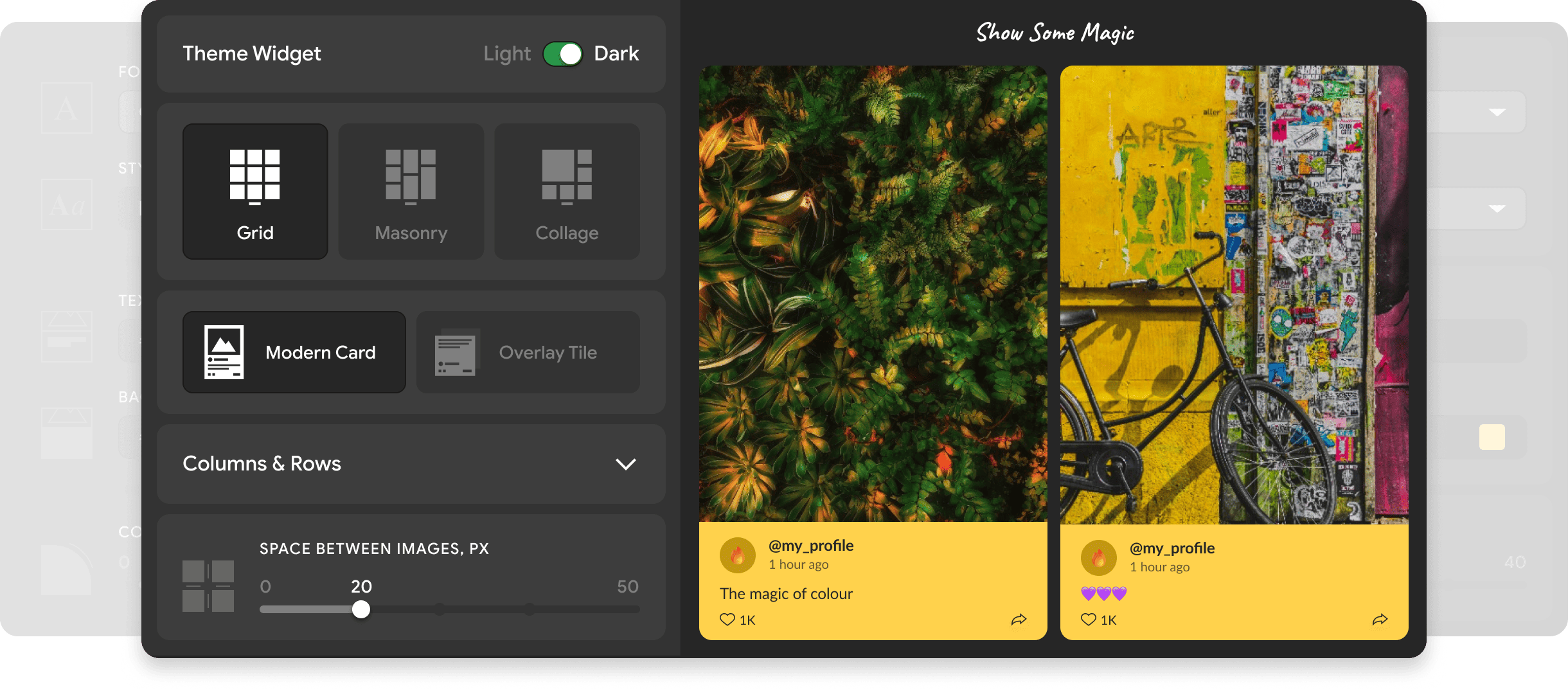
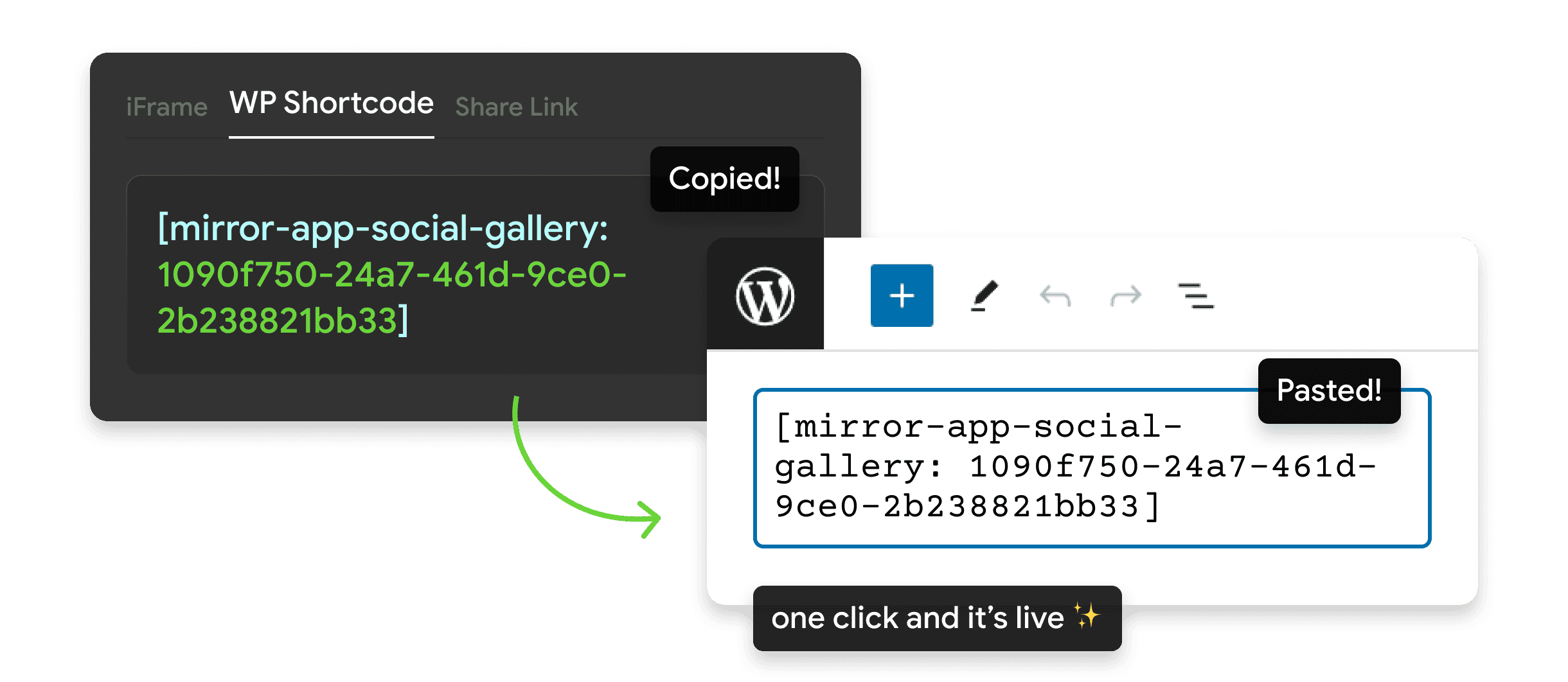
Choose the layout and design → click Publish → copy your Instagram Feed shortcode
Schritt 3
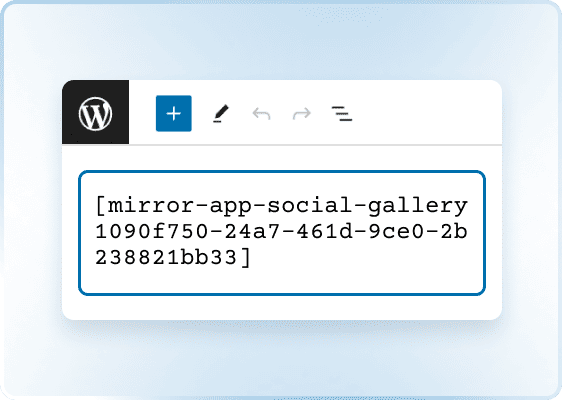
Shortcode zu WordPress hinzufügen
Fügen Sie ihn in Gutenberg, Elementor, Divi oder einen anderen Bereich ein, der Shortcodes unterstützt

Schritt 4
Seite speichern 🎉
Update or publish the page — your Instagram Feed widget will load automatically
Warum Mirror App
Ist eine vertrauenswürdige Wahl

Offizielles WordPress.org-Plugin
Vollständig geprüft und konform mit den WordPress-Sicherheitsstandards

Leicht und sicher
Eine einzelne, kompakte JS-Datei, bei der keine Tokens innerhalb von WordPress gespeichert werden

Weltweit im Einsatz
Vertrauenswürdig für Blogs, Online-Shops und Digitalagenturen für stabile und zuverlässige Social-Media-Feeds

Kundenliebe
Kundenstimmen
Echte Geschichten von Menschen, die Vertrauen und Engagement auf ihren Websites aufbauen

I used the app for a few client projects – it performs well. There are no issues with updates, and feeds remain active without the need for reauthorization

reza taghdimi

It was easy to set up and add. The feed looks good, fits our site style, and works fine on mobile.
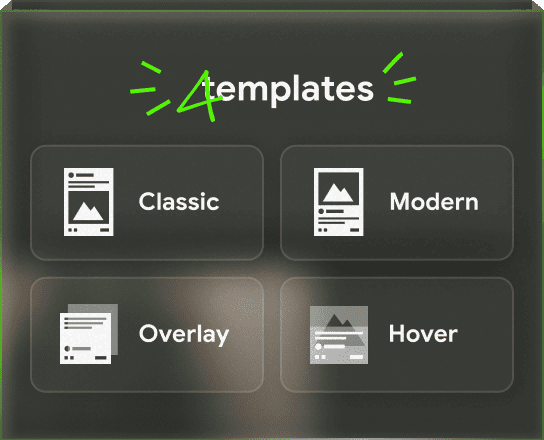
The only thing — I just wish there were a few more simple design templates, and sometimes new posts don’t show up instantly (it updates on a schedule)
The only thing — I just wish there were a few more simple design templates, and sometimes new posts don’t show up instantly (it updates on a schedule)
.png)
Marco F.

Great for pulling posts from LinkedIn. I needed something that didn’t require tinkering with code — this fits. Pick what you need, adjust a few options, and it works nicely
%201.jpg)
Richard Orland

A good widget for different social networks. I used Instagram Feed Widget, and it worked well. The only downside is that the free plan offers a limited number of views. But that's why it's free, I guess
.png)
Jane
Love how no-code this feels. You literally connect, design, copy, and paste. No chasing API tokens or dealing with Facebook updates

Aramais Makuns
I love how the Pinterest feed integrates with my site — looks like part of the design, keeps itself updated, and saves me loads of maintenance. Really clean
%201.jpg)
alex shtepa
Ich verfolge Mirror App schon eine Weile – ein super eleganter Ansatz für Social-Media-Einbettungen. Ich habe das neue WordPress-Plugin ausprobiert und es funktioniert auf Anhieb großartig. Keine API-Einrichtung, keine aufwendigen Skripte, und es lädt tatsächlich schnell. Man merkt, dass sich das Team auf Einfachheit und Leistung konzentriert hat, anstatt unnötigen Kram hinzuzufügen.
%201.jpg)
Emma Barsegyan
Warum WordPress-Nutzer
Mirror App auswählen

Kurzanleitung:
Add Instagram to WordPress
👀 oder lesen Sie unseren Artikel – einfach und verständlich!
FAQ & Kontakt
Haben Sie noch Fragen oder Feedback?
Wir antworten normalerweise innerhalb weniger Stunden


Sprache
Sprache