

Integrating your TikTok Feed with your website using Mirror App and add the energy and creativity of TikTok to your content



.jpg)

Share
Share
Share
Share
Share
Share


✨ Get started now and come alive your website with TikTok Feed Widget
Your website will never be the same again! 🚀
Superpower
of TikTok Feed Widget

Boosted Engagement
Even more interaction with users → even more TikTok followers → and less advertising budgets, as a nice bonus in your piggy bank

Live Content Updates
Forget the hassle of manual updates. Now, your website visitors informed of your TikTok updates morning, afternoon, evening and night
Polish Your Design
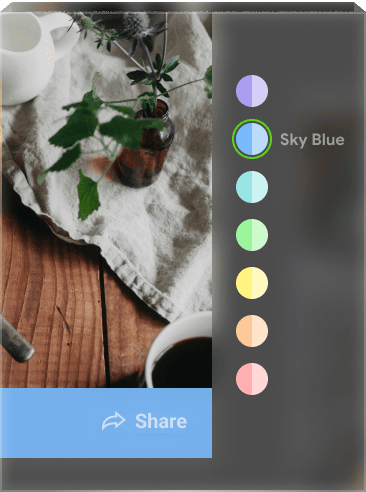
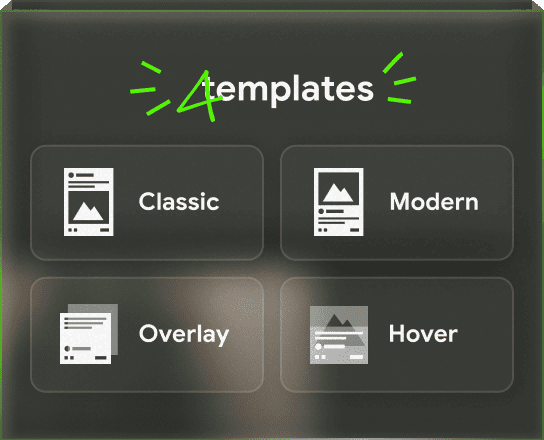
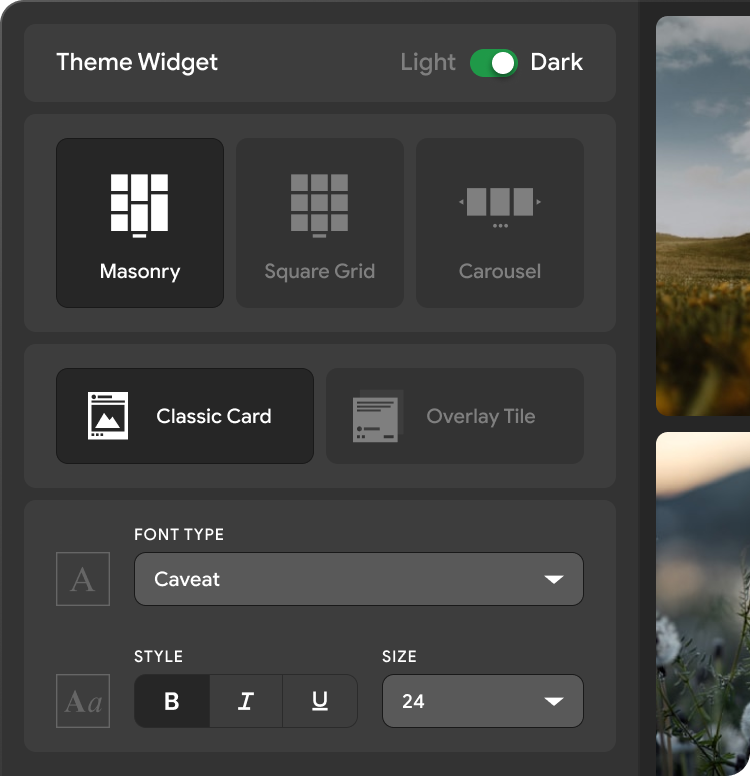
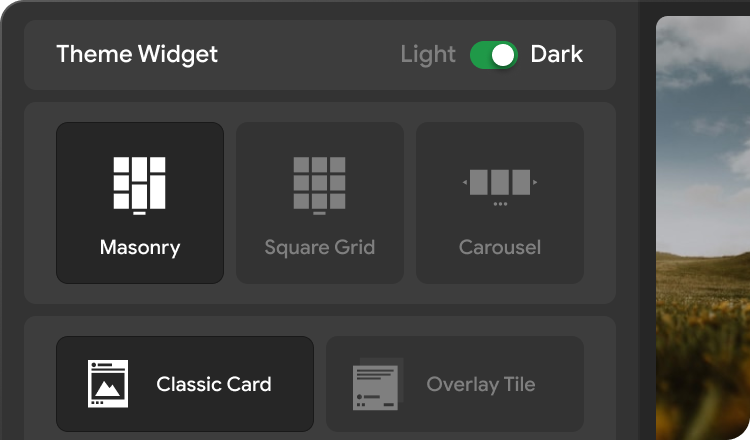
Express your unique style. Complete customization in layout, color, font and size. Everything you need. And even a little more
No Code, No Problem
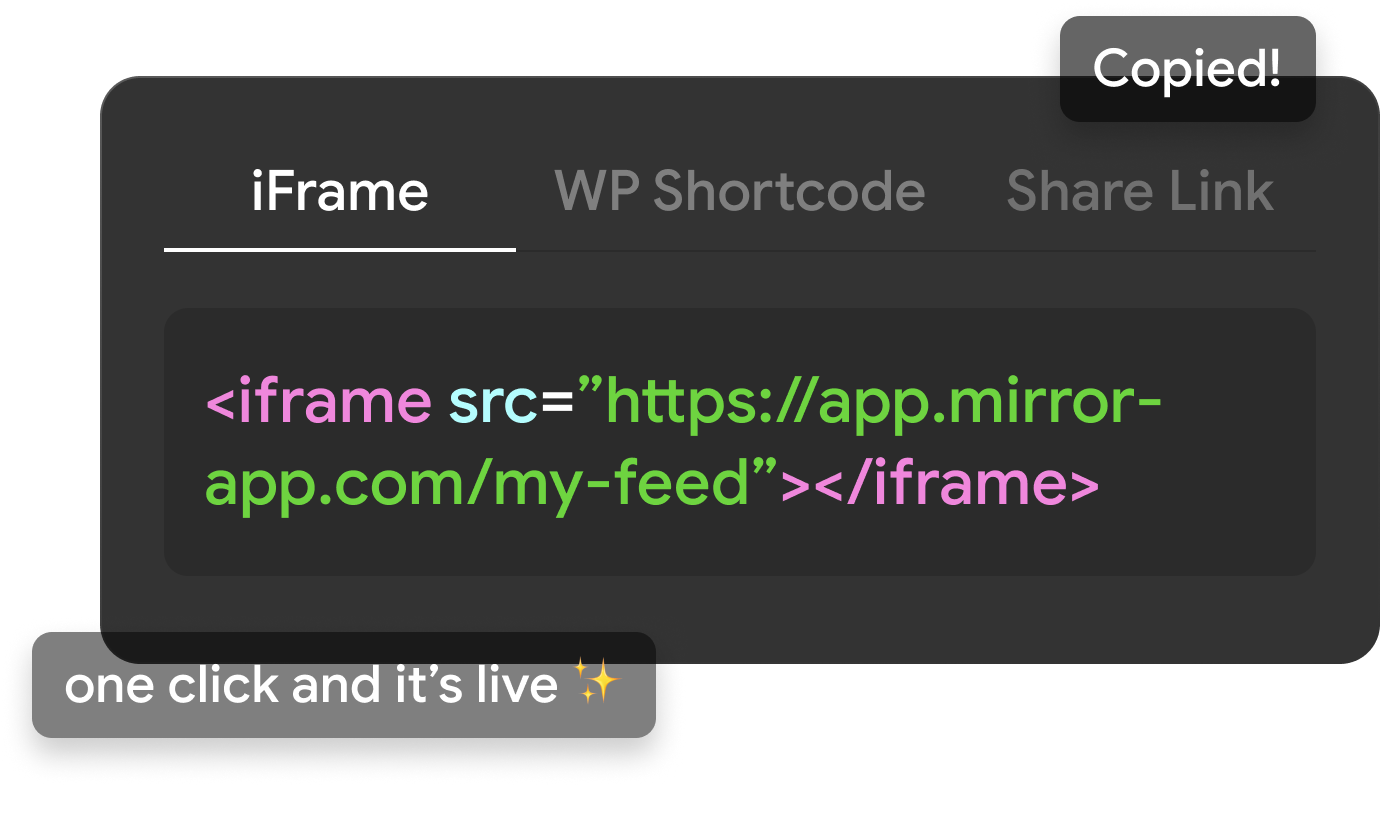
To install widget just enough to copy and paste the widget link on your website. Easy-peasy-lemon-squeazy!

Customer Success
Therefore, we regularly update the product. And our super-support team will always come to the rescue

Work Everywhere
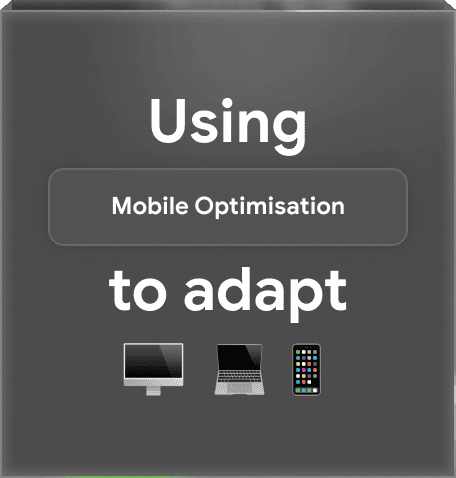
Embedding a TikTok feed on your website looks great on desktops, tablets, and smartphones — allowing you to connect with your audience across all devices

SEO Advantages
TikTok Feed boost your website’s SEO. Regular updates signal to search engines that your site is relevant and active, potentially improving search rankings and organic traffic

Wall of Love
What Customers Say
Real stories from people building trust and engagement on their sites

I used the app for a few client projects – it performs well. There are no issues with updates, and feeds remain active without the need for reauthorization

reza taghdimi

It was easy to set up and add. The feed looks good, fits our site style, and works fine on mobile.
The only thing — I just wish there were a few more simple design templates, and sometimes new posts don’t show up instantly (it updates on a schedule)
The only thing — I just wish there were a few more simple design templates, and sometimes new posts don’t show up instantly (it updates on a schedule)
.png)
Marco F.

Great for pulling posts from LinkedIn. I needed something that didn’t require tinkering with code — this fits. Pick what you need, adjust a few options, and it works nicely
%201.jpg)
Richard Orland

A good widget for different social networks. I used Instagram Feed Widget, and it worked well. The only downside is that the free plan offers a limited number of views. But that's why it's free, I guess
.png)
Jane
Love how no-code this feels. You literally connect, design, copy, and paste. No chasing API tokens or dealing with Facebook updates

Aramais Makuns
I love how the Pinterest feed integrates with my site — looks like part of the design, keeps itself updated, and saves me loads of maintenance. Really clean
%201.jpg)
alex shtepa
Been following Mirror App for a while — super clean approach to social embeds. I tried the new WordPress plugin and it works great out of the box. No API setup, no heavy scripts, and it actually loads fast. Feels like the team focused on simplicity and performance instead of adding unnecessary stuff
%201.jpg)
Emma Barsegyan


Three Steps
to Put TikTok on Site
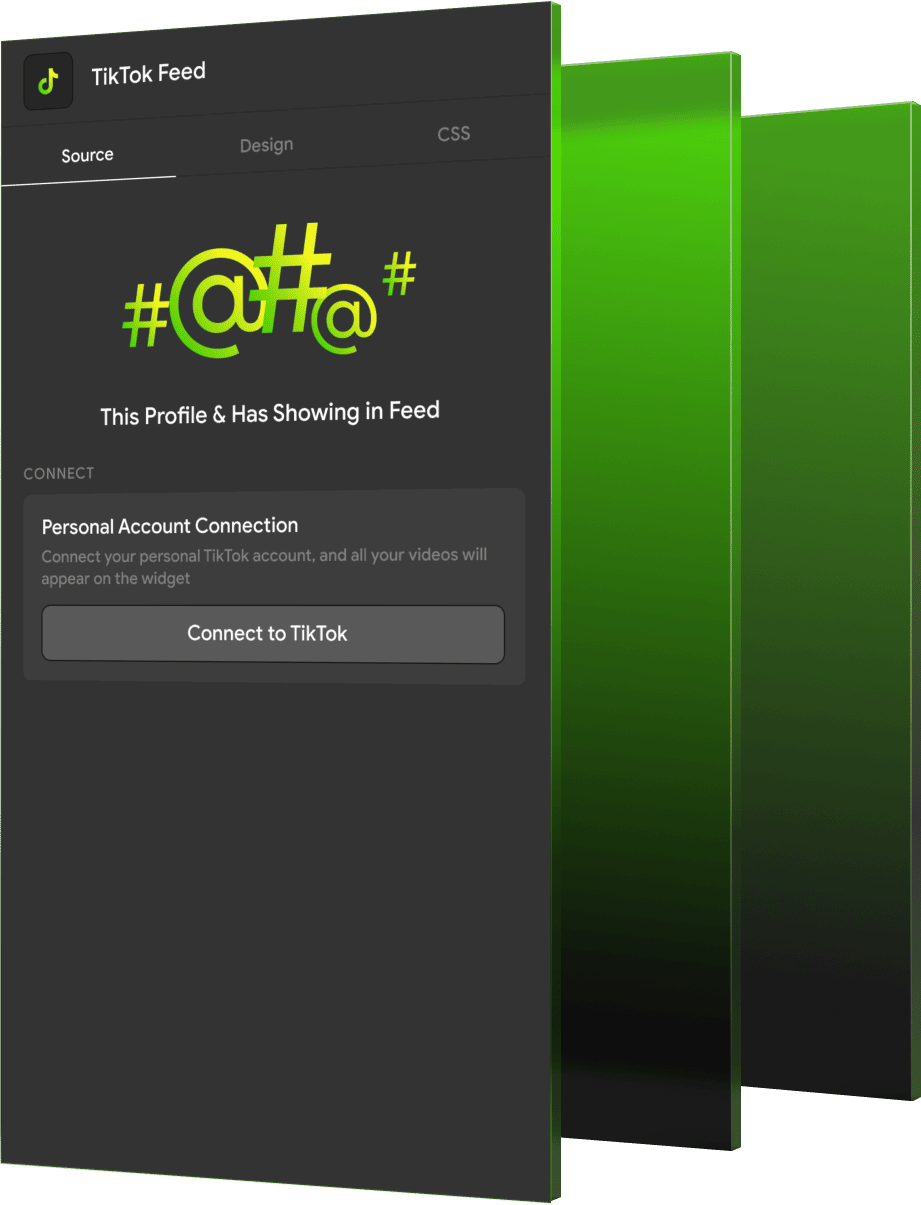
Add Source
Simply connect your TikTok account and add
the content you want to display, combine them by username, hashtag, location, or any combination. You decide what your users will see
Customize the Widget Design
Be creative. You have access to a wide range of widget personalization options.
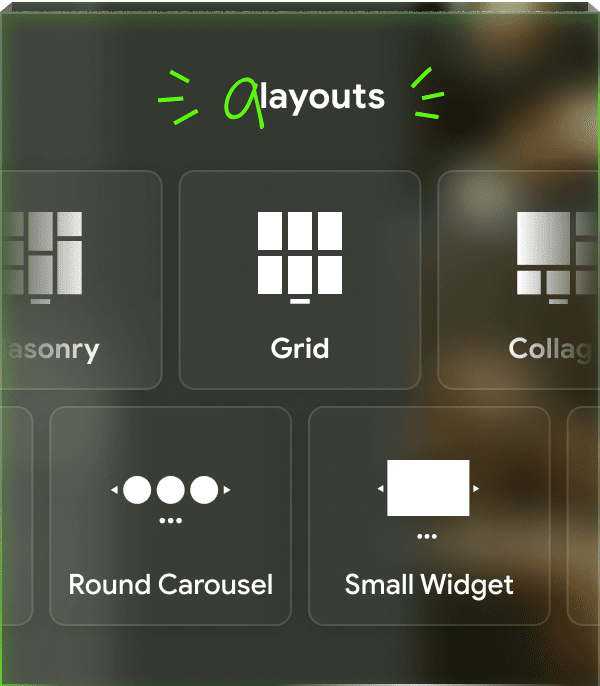
A lot of post formats. Padding, multiple color schemes, captions and more!
A large number of customizable options. Customize the widget to match your website’s design
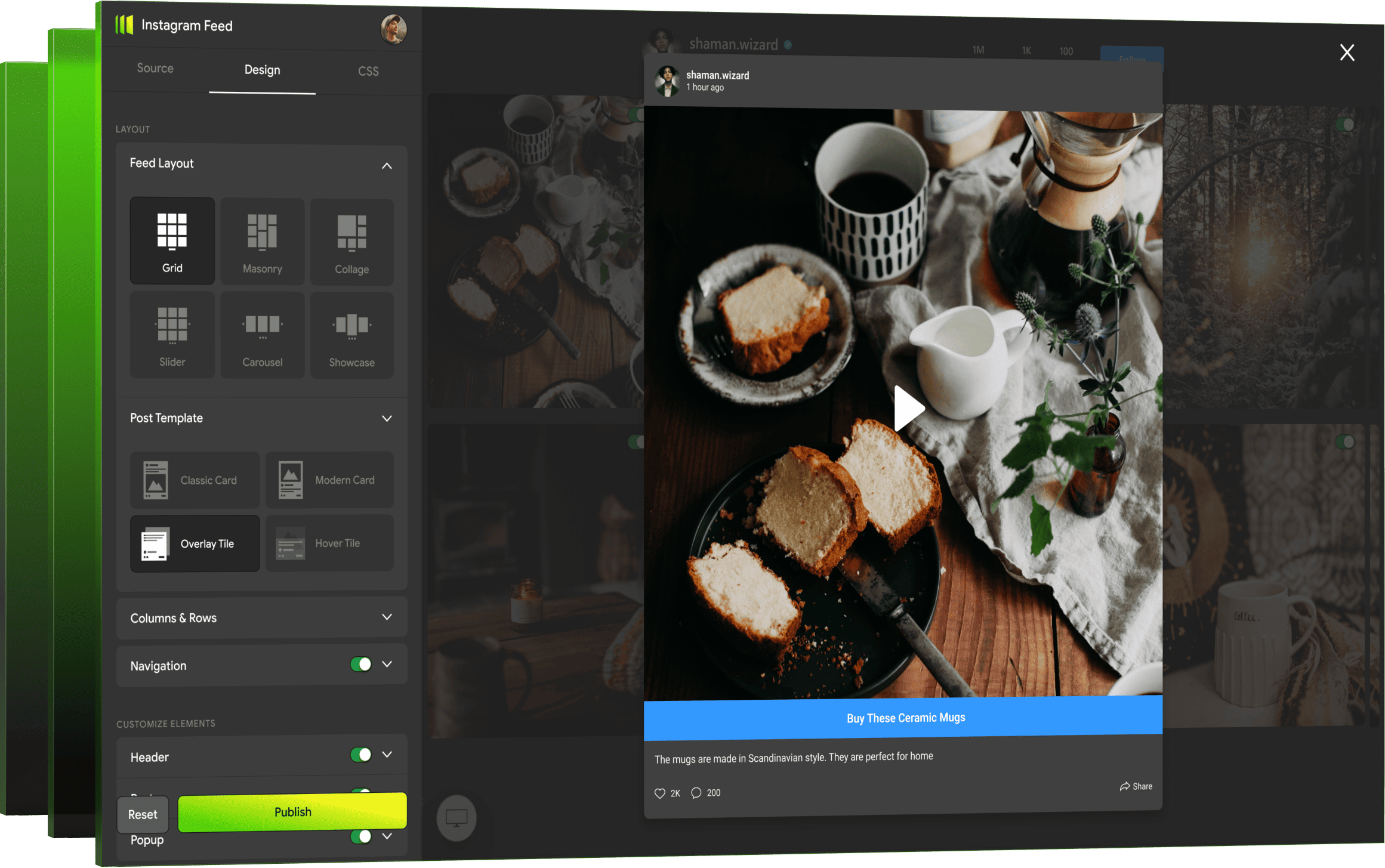
Full moderation and individual design. Show imagination. Extensive widget personalization options are available to you. Adjust the title, margins, or image size, change the width of the view and the width of the thumbnails, or use custom CSS. It's up to you to choose
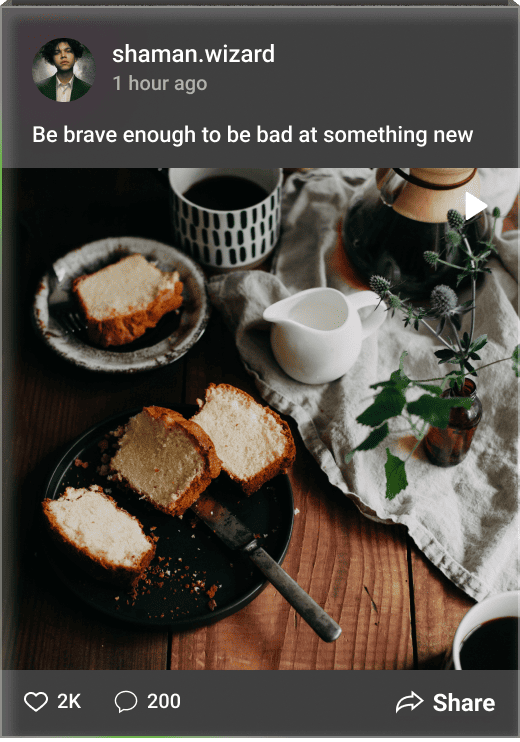
Pop-up Window. A mouse click on the image in the widget and the photos are revealed in full size, you can play the video directly on the site page
Variations of the elements of the post. Choose for yourself which of the elements of the posts you will reflect when you hover: date, location, user, comments, target action button, subscribe button, and so on
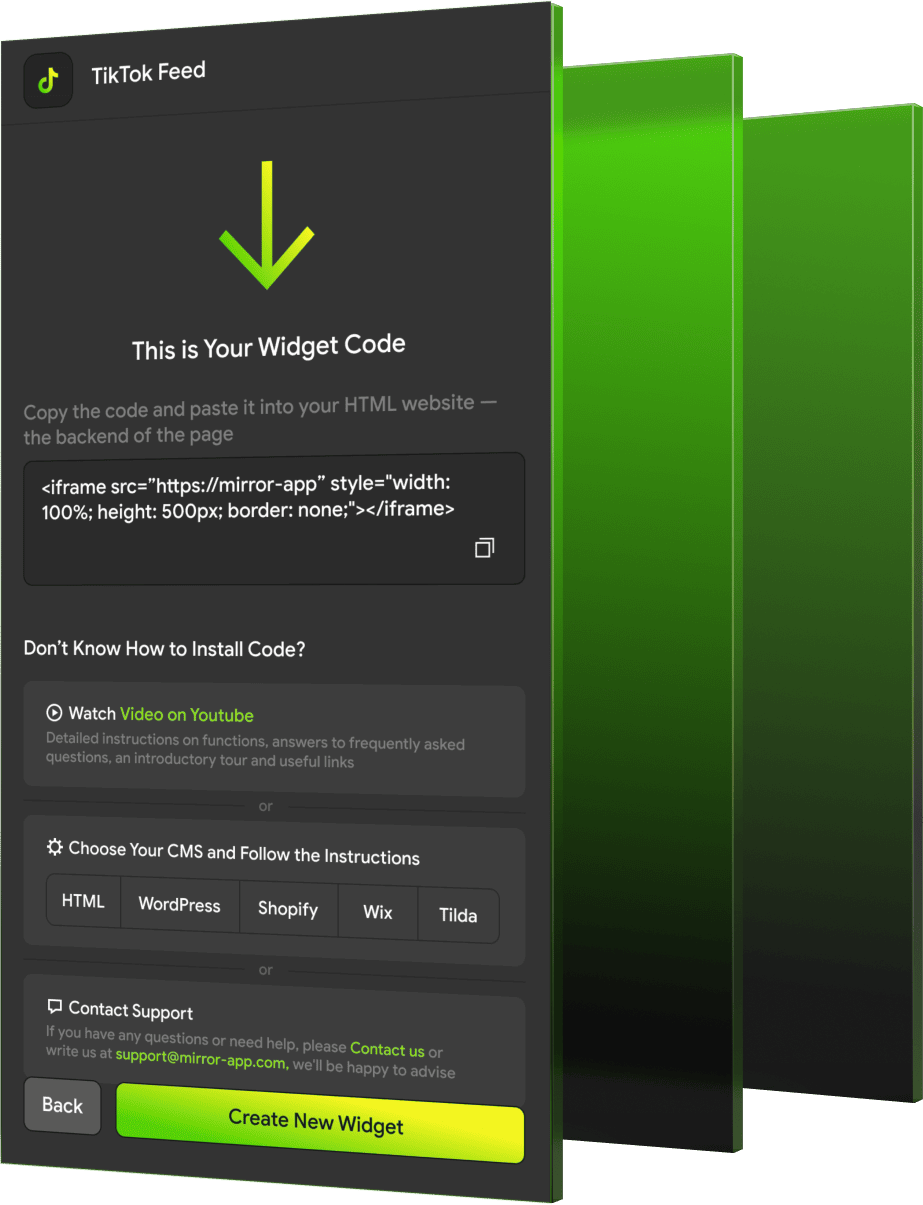
Work With Any CMS —
And Your Own Site, Of Course!
FAQ & Contacts
Still Have Questions or Feedback?
We usually respond within a few hours


Language
Language